![PlanetBids_Logo-Default.png]](https://training.planetbids.com/hs-fs/hubfs/PlanetBids_Logo-Default.png?height=40&name=PlanetBids_Logo-Default.png)
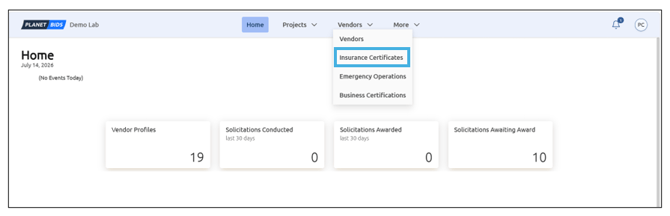
To search for Insurance Certificates, use the Vendors drop-down menu and select Insurance Certificates:
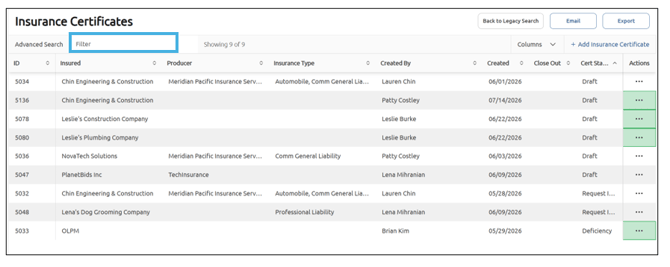
You can search for certificates by filtering search terms in the box (there must be at least 3 characters) and clicking Enter on your keyboard to apply:
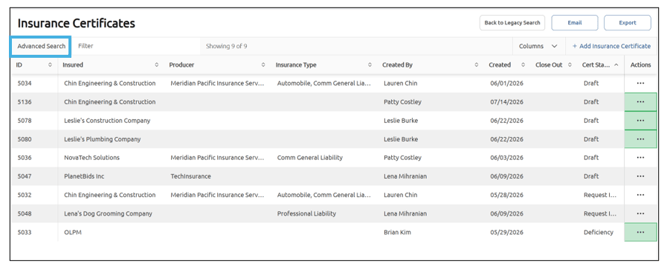
Advanced Search allows you to open a panel where you can filter on specific values for a column:
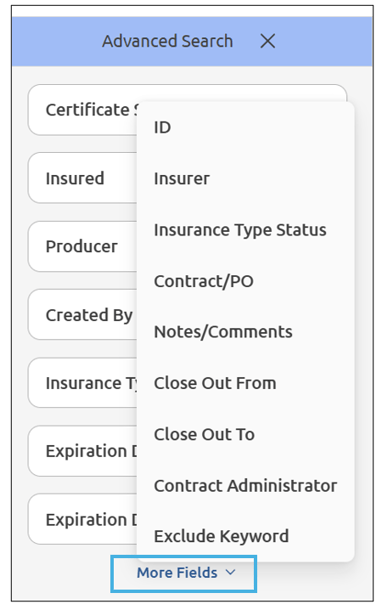
If you don’t see the fields you are looking for, click More Fields to expand additional fields:
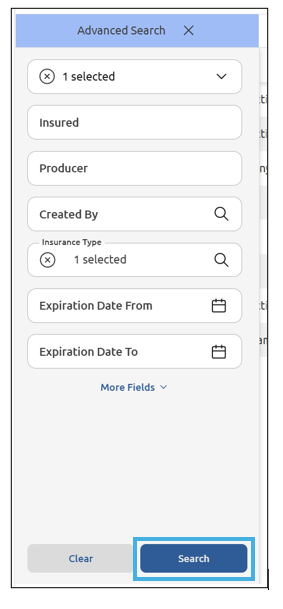
Once you have selected the filters you wish to use, click Search:
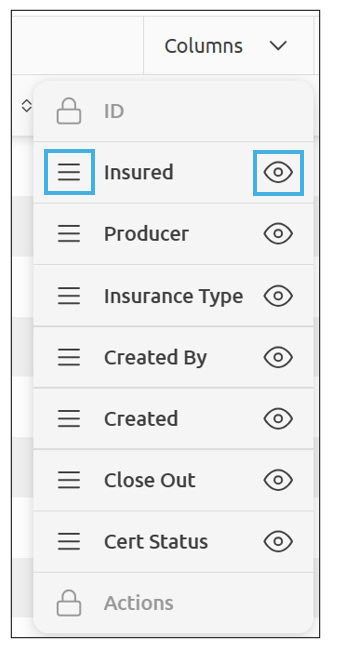
You can rearrange the order of the columns by dragging and dropping the column names, and can hide/show columns by clicking on the eye icon:
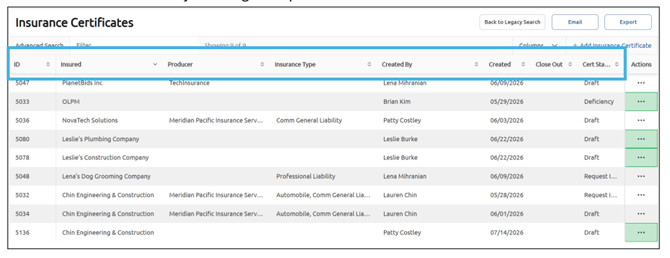
You can also sort fields by clicking the up or down arrows:
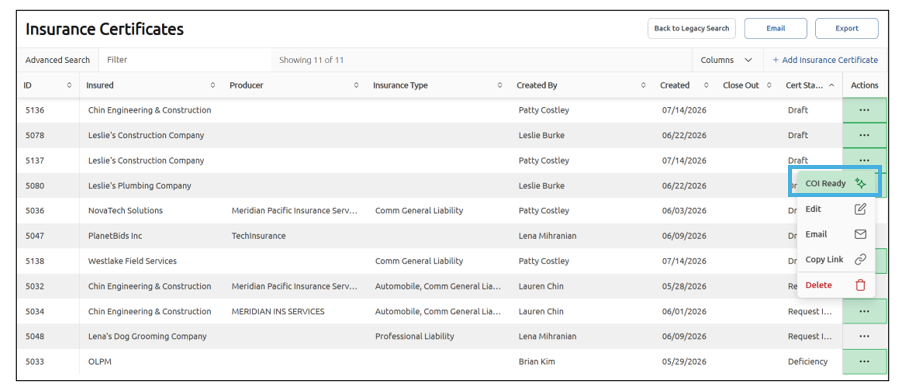
Actions allow you to Edit, Email, Copy Link, or Delete a Certificate:
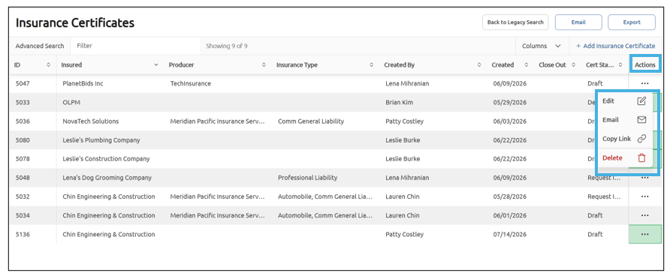
If the Actions field is highlighted in green, your uploaded Insurance Certificate is ready to view. Click COI ready to view: