![PlanetBids_Logo-Default.png]](https://training.planetbids.com/hs-fs/hubfs/PlanetBids_Logo-Default.png?height=40&name=PlanetBids_Logo-Default.png)
PlanetBids lets you schedule your solicitation to publish on a predetermined date and time.
Note: Publish signifies that the solicitation has transitioned to Bidding status.
To schedule a solicitation, go to the Information tab of the solicitation you wish to schedule:
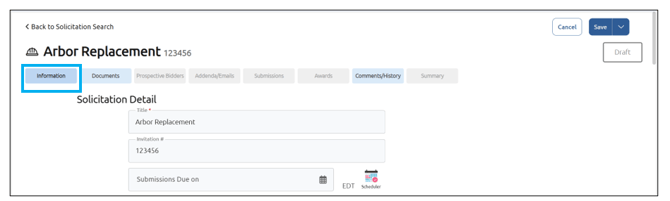
Select the date and time you wish your solicitation to be published and change to Bidding stage by clicking Scheduled for Publish on:
Note: If there is a pre-bid meeting, you must select a date after it. If you do not see Scheduled for Publish on as an option, ensure the bid is in draft, planning, or publish approved as a project stage.
Select your date and time:
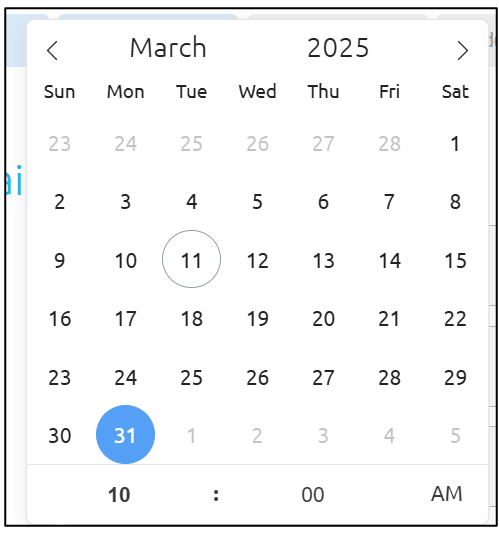
Note: you will not be able to schedule a solicitation to publish in less than 10 minutes in the future.
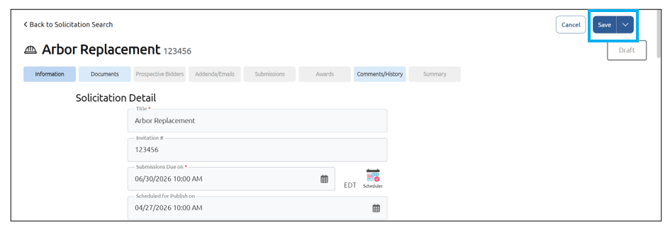
After you have selected the date/time for the solicitation to be published, complete the rest of the fields, ensuring that all required fields (notated with a red asterisk) are filled out.
Click Save:
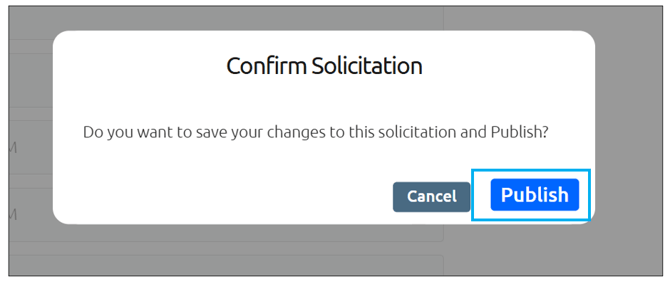
Confirm by clicking Schedule:
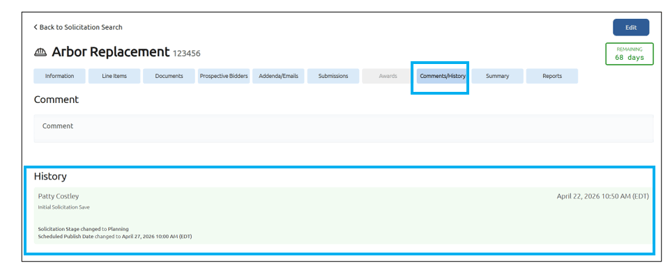
Any changes to your scheduled solicitation will be noted in the Comments/History tab from within the solicitation:
To cancel the publication of the solicitation, click Cancel from within the Information tab:
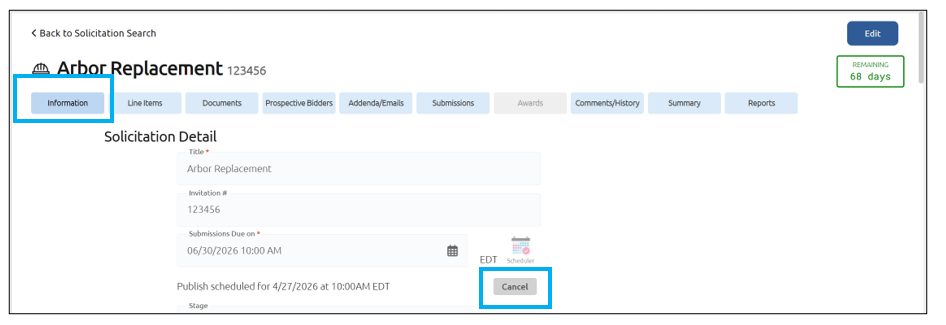
If you need to edit the date/time for your solicitation to publish, cancel the current setting and select a new scheduled date/time.