![PlanetBids_Logo-Default.png]](https://training.planetbids.com/hs-fs/hubfs/PlanetBids_Logo-Default.png?height=40&name=PlanetBids_Logo-Default.png)
The scoring workspace
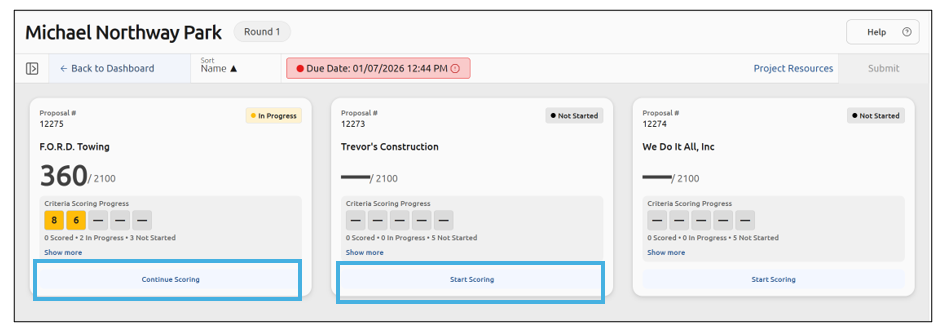
To begin, click Start Scoring (or Continue Scoring if you’ve worked on the scorecard before):
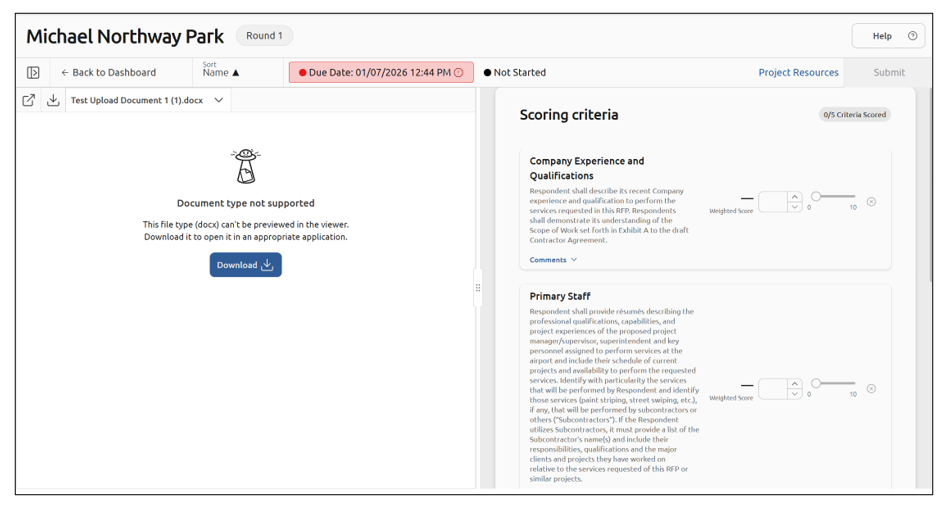
The workspace shows two panels side by side. The Proposal Viewer on the left displays the vendor’s submission. The Scorecard on the right lists every evaluation criterion. Read, score, and comment without leaving the view:
Review the proposal documents
If the vendor submitted multiple files, select a file from the document list in the Proposal Viewer to load it:
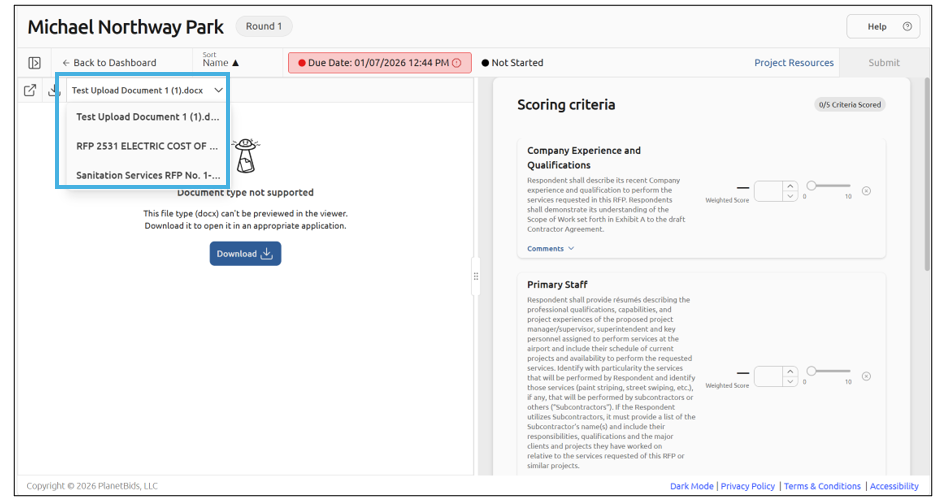
Note: If the vendor submitted a single file, no list appears.
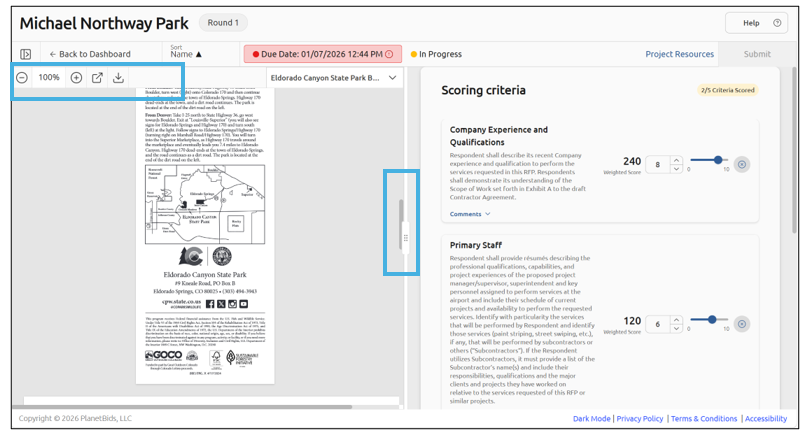
Use the viewer toolbar to zoom and move through the current document. Click Pop Out to open the proposal full-screen in a new browser tab for detailed review. The scorecard stays fully functional while the tab is open:
Score each criterion
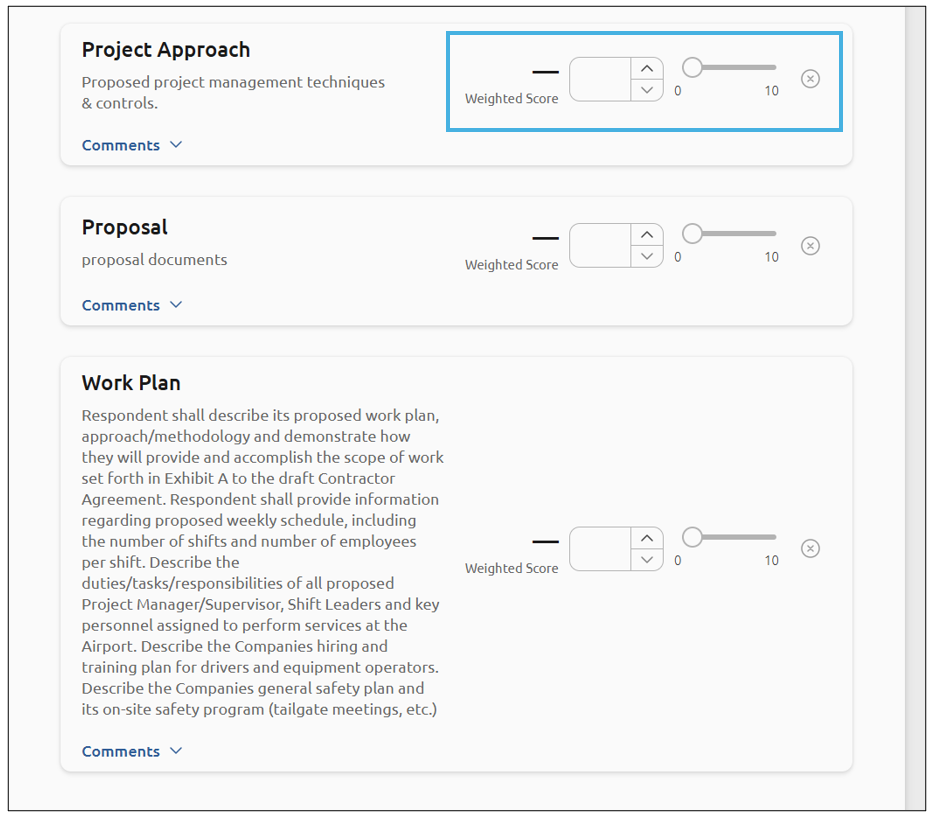
Read the criterion name and description on the Scorecard. For a rubric criterion, select the option that matches your assessment. For a weighted criterion, enter a score using the input field, slider, or up/down arrows:
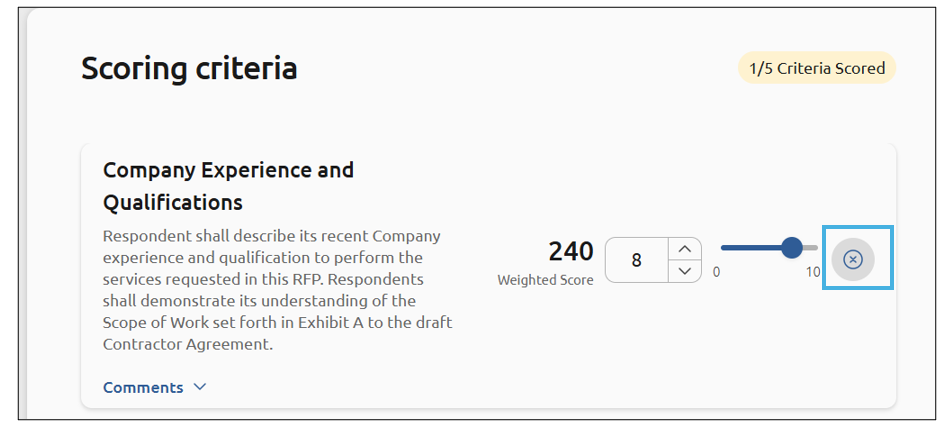
To clear a score, click the X to the right of the score to return the criterion to its empty state:
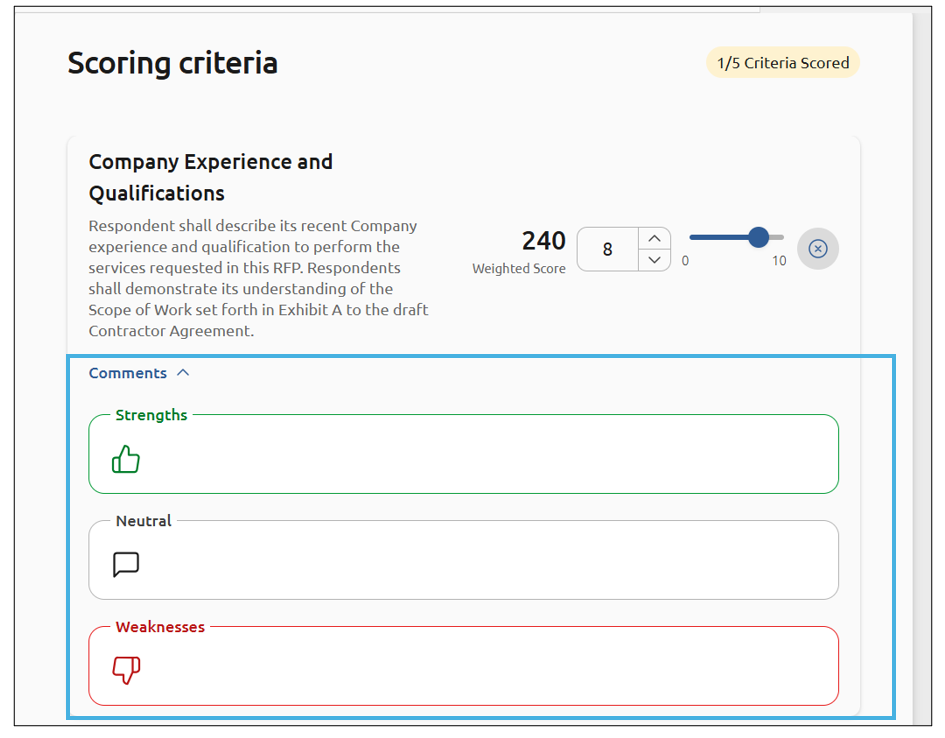
Expand the comment section to add optional Strengths, Weaknesses, or Neutral notes:
Submit your scorecard
Once you score every required criterion, the Submit button becomes available. Click Submit to finalize your scorecard. This will lock your scores, and they cannot be changed:
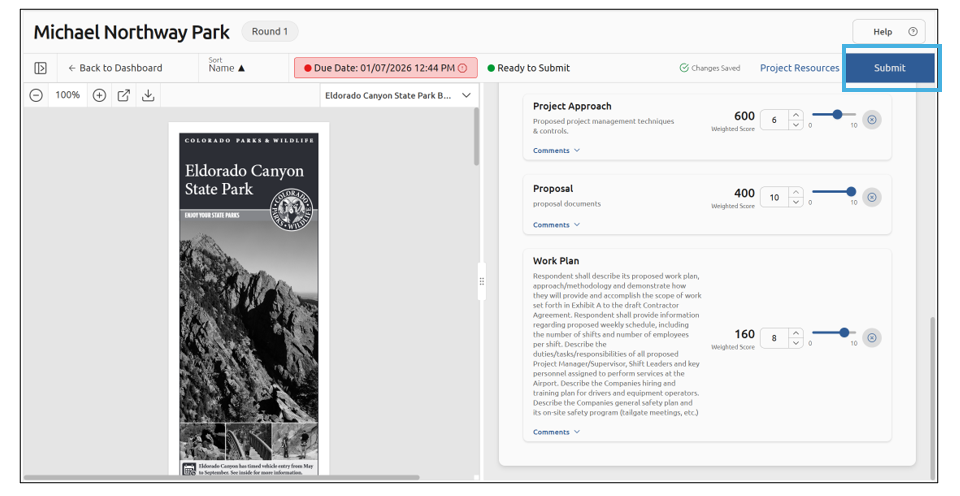
Note: The workspace saves your scores and comments automatically as you work.
You can also submit your scorecard from the project by clicking Submit:
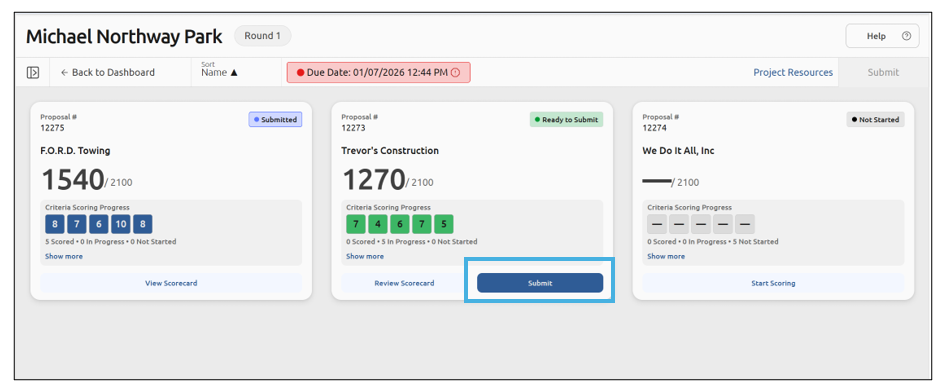
You will be asked to confirm your submission by clicking Submit:
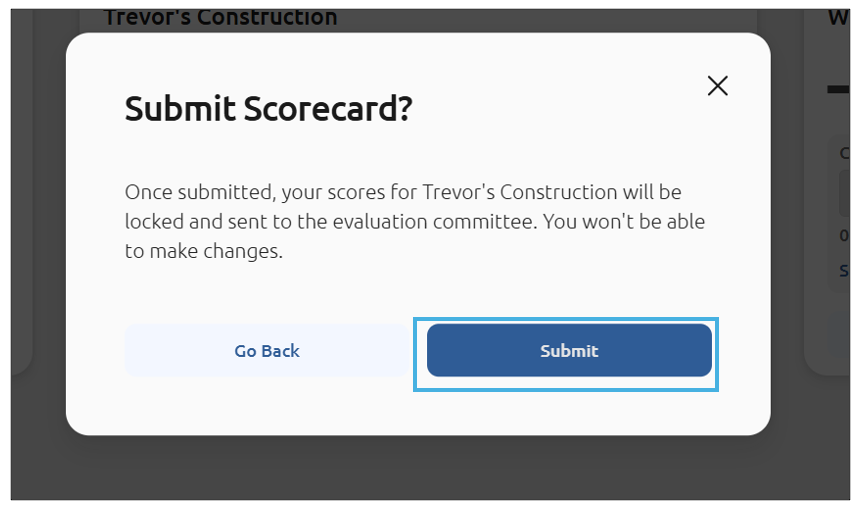
Once the scorecard has been submitted, the status will change to Submitted, changes can no longer be made, and the scorecard is View only:

Best practices
- Review all proposal documents before you begin scoring.
- Add detailed strengths, weaknesses, and neutral comments to support each score.