VendorLine now shows Federal bidding opportunities alongside State & Local opportunities. If you subscribe to the Pro or Pro Plus AI plan, federal opportunities appear in your search results, in VendorLine Today and in Matched Bids. You choose whether federal opportunities are included, and you can set that choice as your default. Federal opportunities allow you to bid on solicitations at the federal government level, as opposed to state and local only.
Where federal opportunities appearOnce federal opportunities are turned on, they appear in the same places as your state and local opportunities:
- Search results on the Find Opportunities page
- VendorLine Today
- Matched Bids
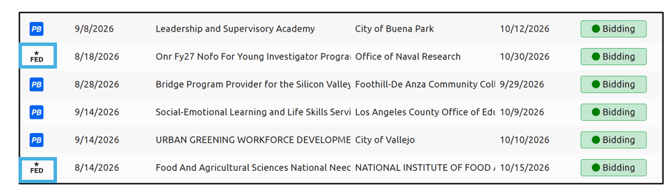
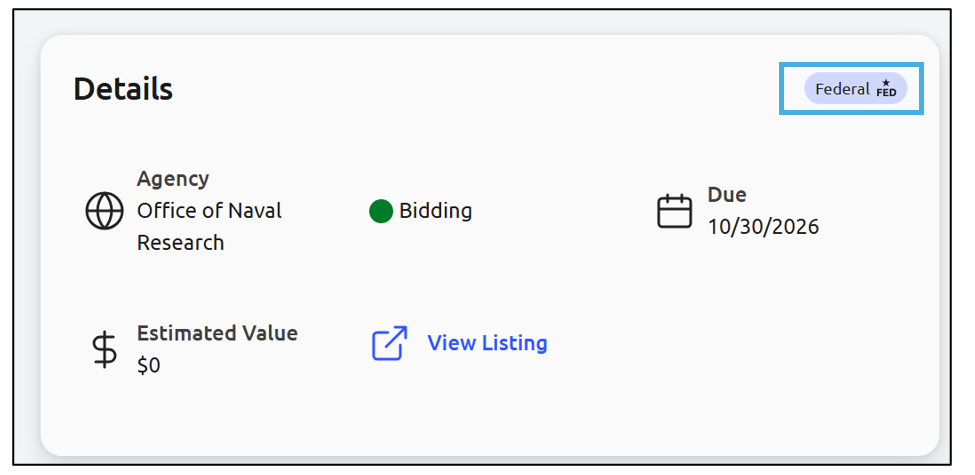
Federal opportunities display a FED icon on the bid card so you can tell them apart at a glance:
Filter opportunities by category
On the Find Opportunities page, the filter panel groups opportunities into two categories: State & Local and Federal. You can show one or both.
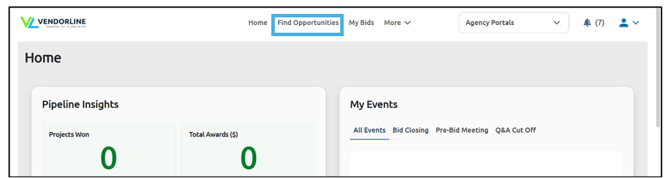
Open the Find Opportunities page:
In the filter panel, select State & Local, Federal, or both. At least one category must stay selected:
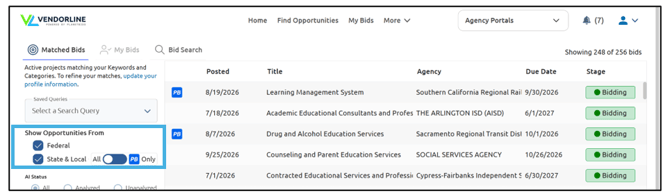
To limit State & Local results to solicitations hosted on PlanetBids, turn on the PlanetBids Network only toggle. This toggle is off by default:
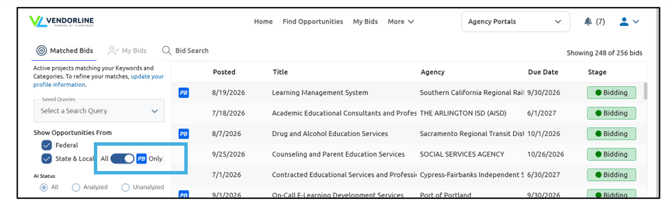
Set your default categories in Matching Criteria
Your Matching Criteria use the same two categories and the same PlanetBids Network only toggle. Your selections stay in place across sessions and set the default filter state in search. Changes take effect on the next matching run in VendorLine Today, Matched Bids, and your notifications.
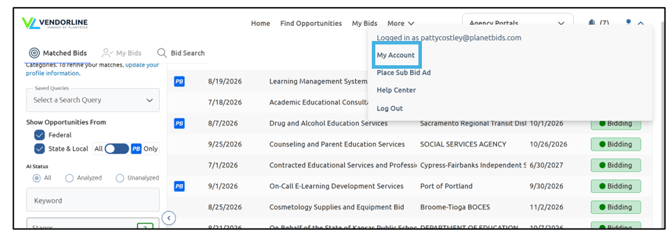
Go to My Account:
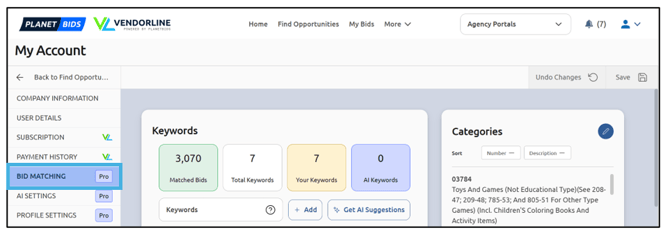
Go to Bid Matching:
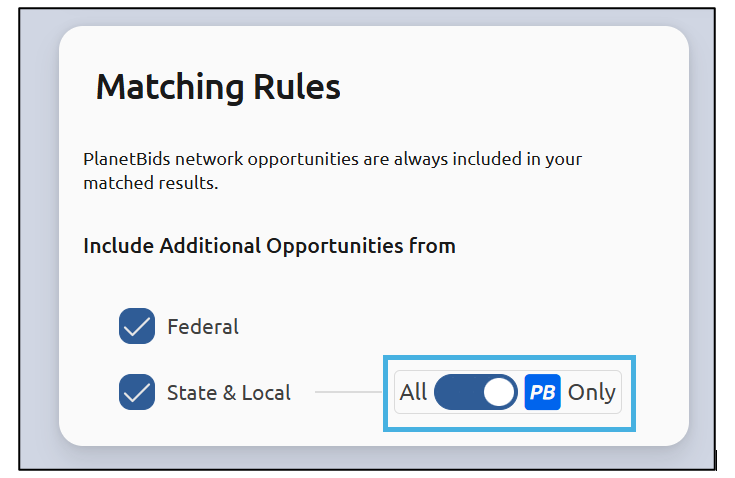
Scroll down to Matching Rules and Select State & Local, Federal, or both:
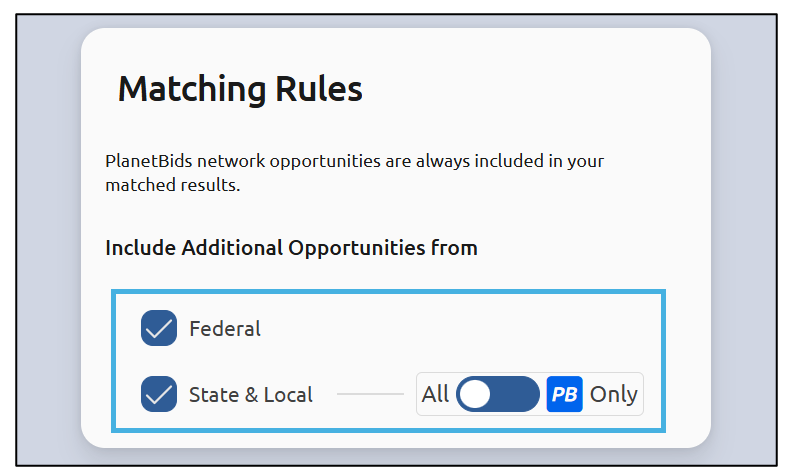
Optionally turn on the PlanetBids Network only toggle:
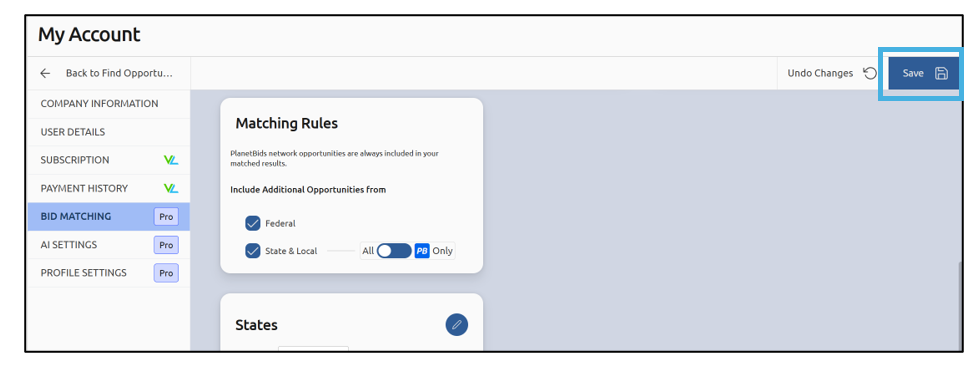
Save your changes:
Identify federal and network opportunities
Icons help you tell opportunity types apart:
On a bid card, federal opportunities show a FED icon when opened:
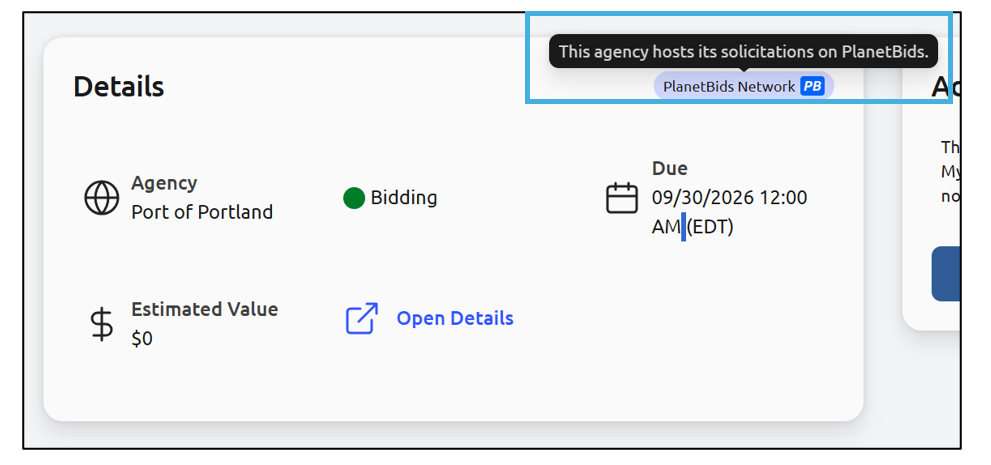
On the detail page, a PlanetBids icon marks an agency that hosts its solicitations on PlanetBids; its tooltip reads: “This agency hosts its solicitations on PlanetBids”:
State and local opportunities outside the PlanetBids Network show no icon.
Open a federal opportunity
PlanetBids helps you discover federal opportunities; the official listing lives on SAM.gov.
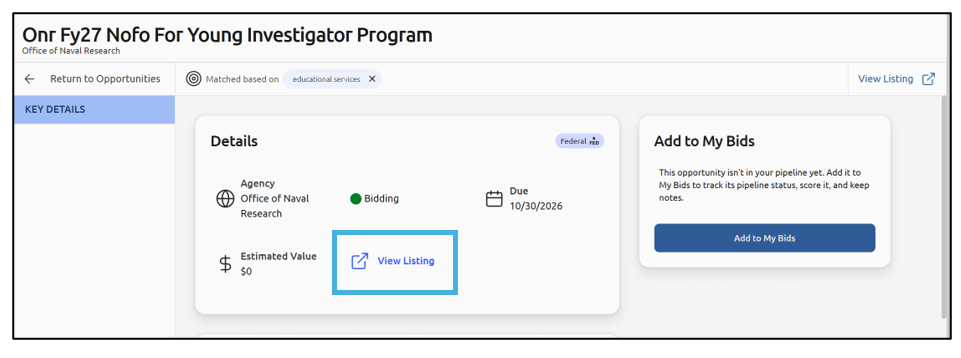
Open a federal opportunity from search, VendorLine Today, or Matched Bids. Select View Listing. VendorLine opens the opportunity’s official listing on SAM.gov:
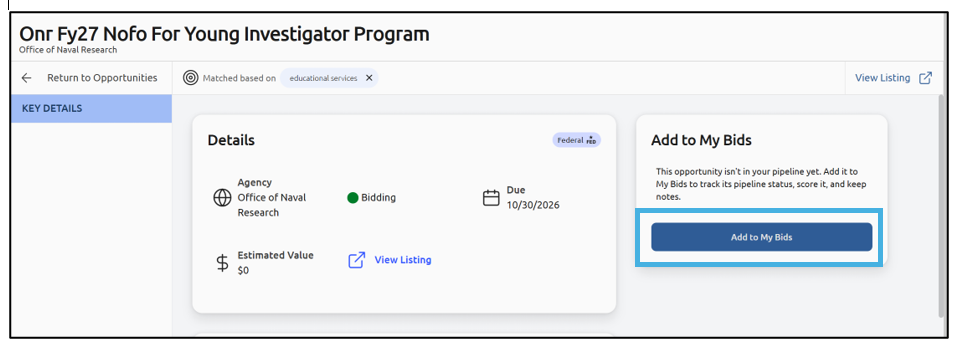
If you’d like to save this opportunity to track status, keep notes, etc., select Add to My Bids:
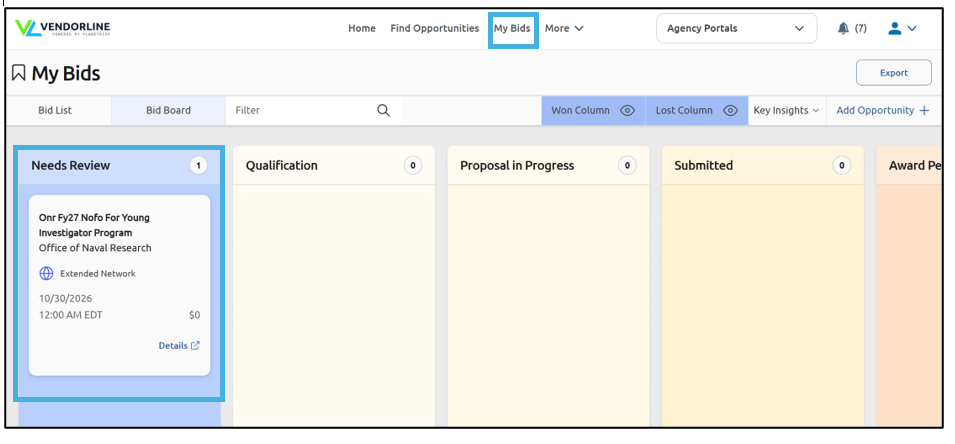
You can revisit this opportunity by going to My Bids: