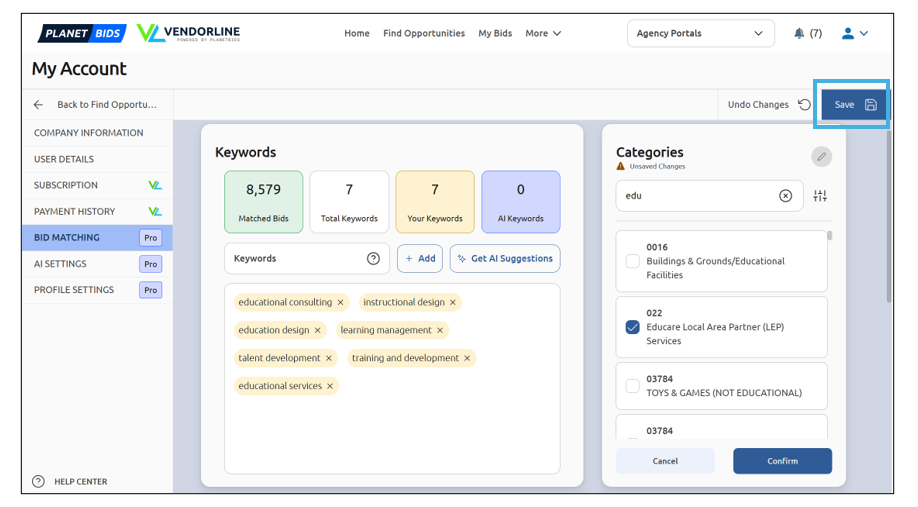
Optimizing your matches and managing keywords and categories more efficiently increases the chances of being matched with relevant projects to bid on. Within matches, you will now see an explanation of keywords/categories that made that match relevant.
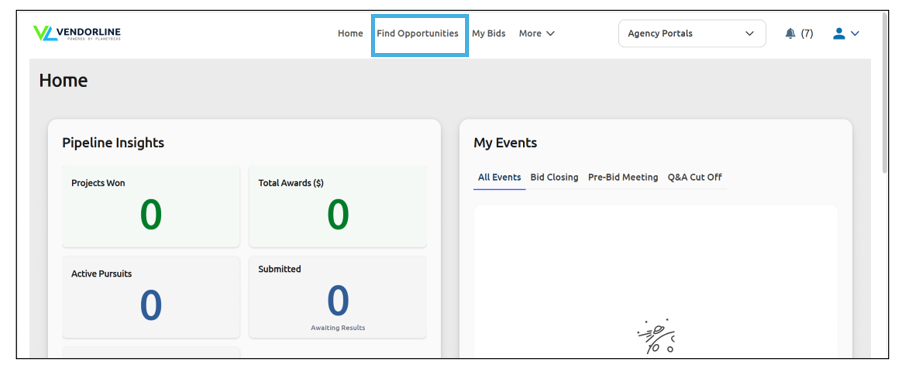
To view matched Bid Opportunities, click Find Opportunities from the top menu:
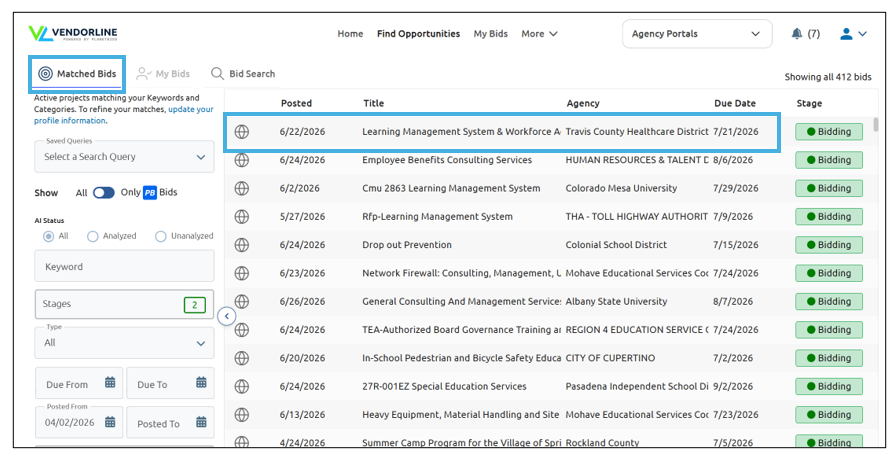
Click on the Matched Bids opportunity from the list that you wish to view:
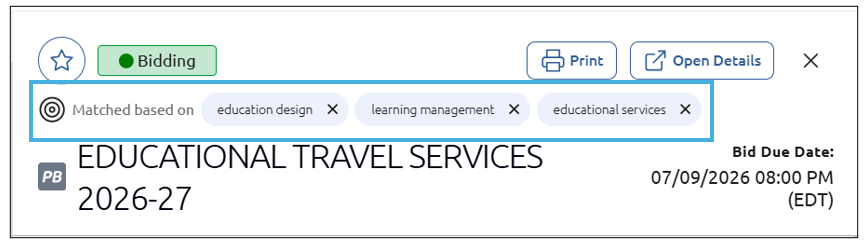
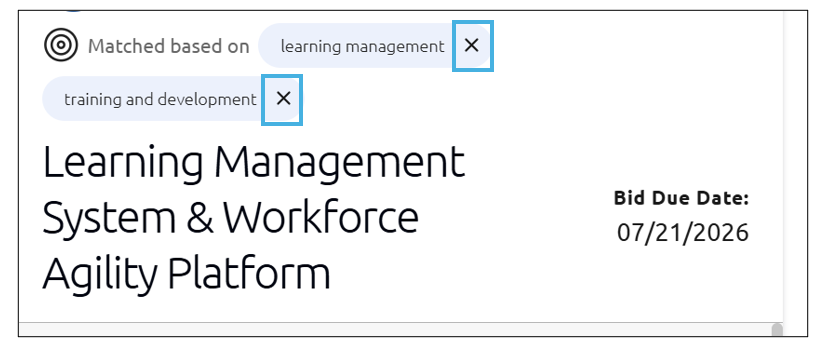
Within your matched Bid Opportunity, you can view which keywords in your profile generated the match:
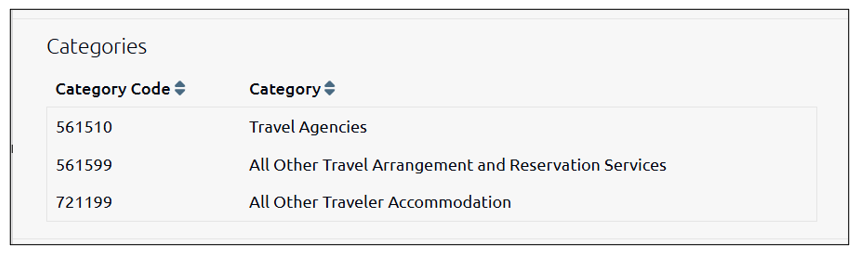
You can also view categories used:
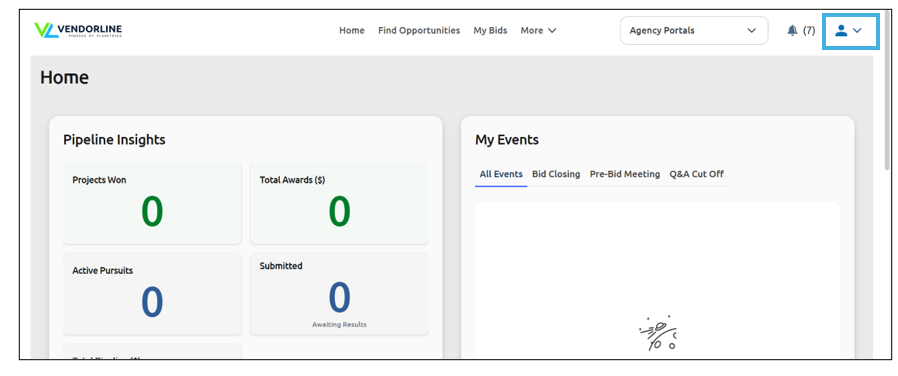
As you view bid opportunities, you can see which keywords and categories are working for you, as well as those that might need to be added or removed. To make changes to your keywords or categories, click the drop-down menu in the upper right corner of your screen:
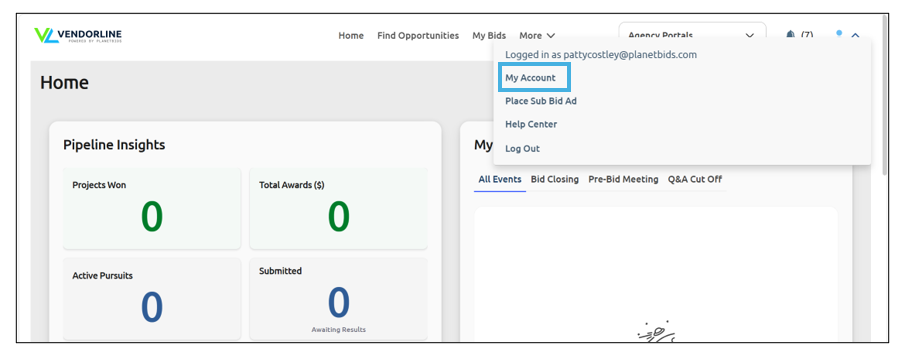
Select My Account:
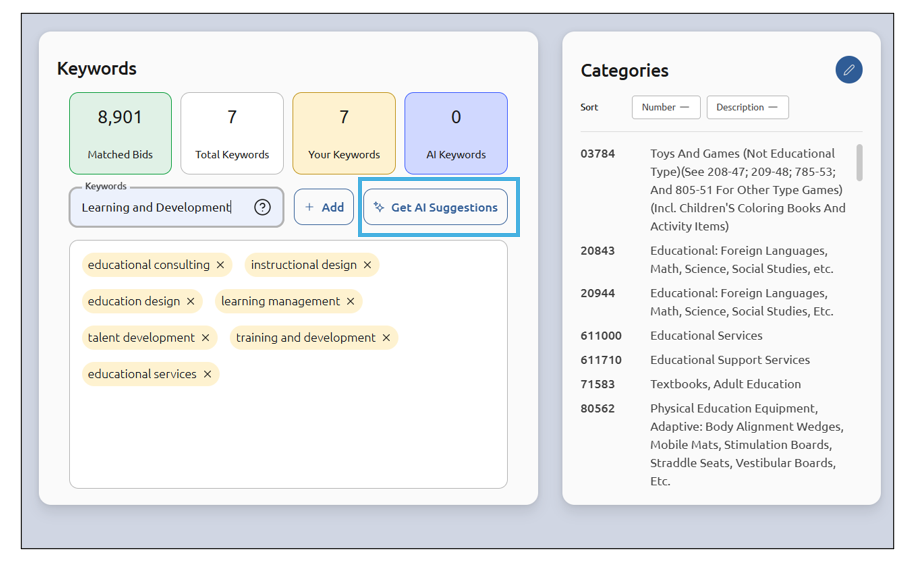
Type the keyword you wish to add in the box and click +Add to add that keyword. Continue doing this until you have all the relevant keywords that will help you match bids:
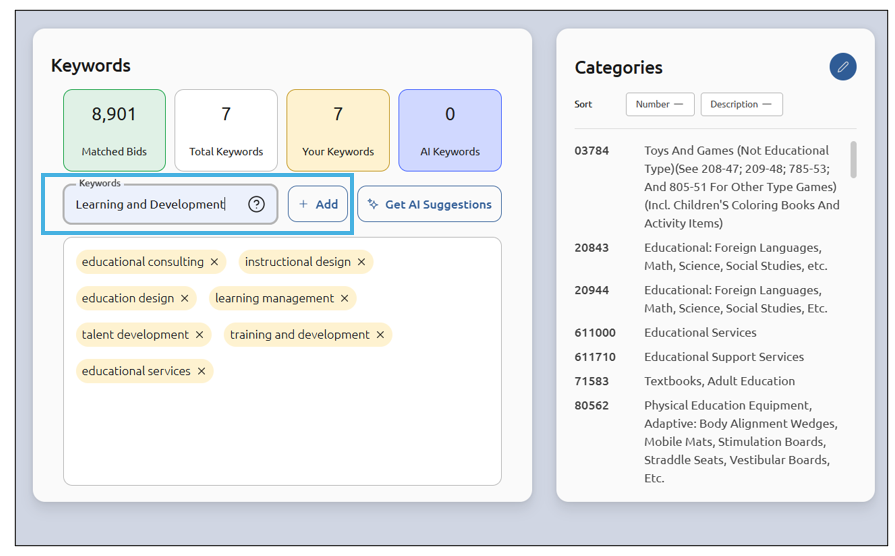
Click Get AI Suggestions to quickly add to the list:
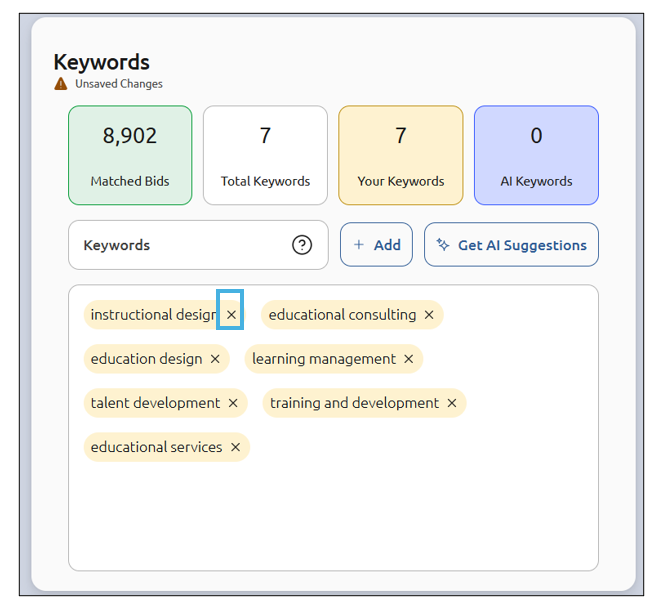
Sometimes there will be keywords that just aren’t producing relevant results. To remove keywords from the list in My Account, click the X to the right of the keyword you wish to remove:
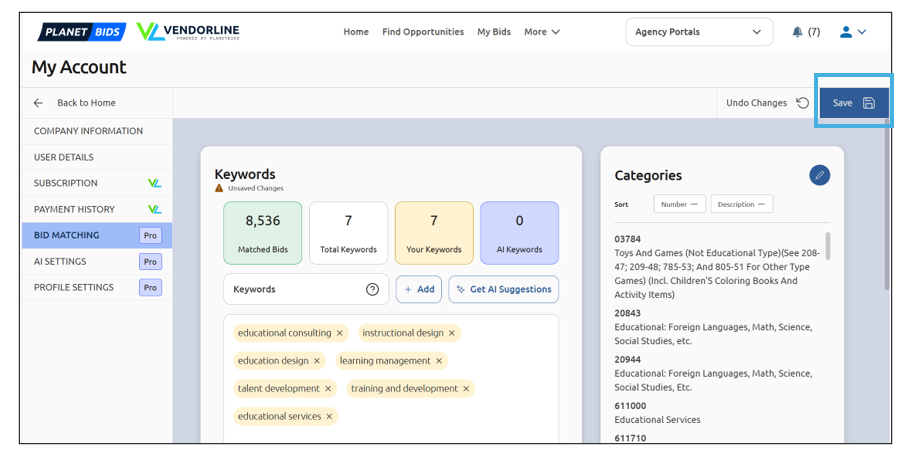
Click Save once you have finished adding/removing keywords:
If you are in a matched opportunity and decide the keyword just isn’t working for you, you can also remove it from consideration there. Click the X on the explanation to remove it from your matching preferences:
A box will pop up to confirm your wish to remove this term from your matching preferences. Click Confirm to continue:
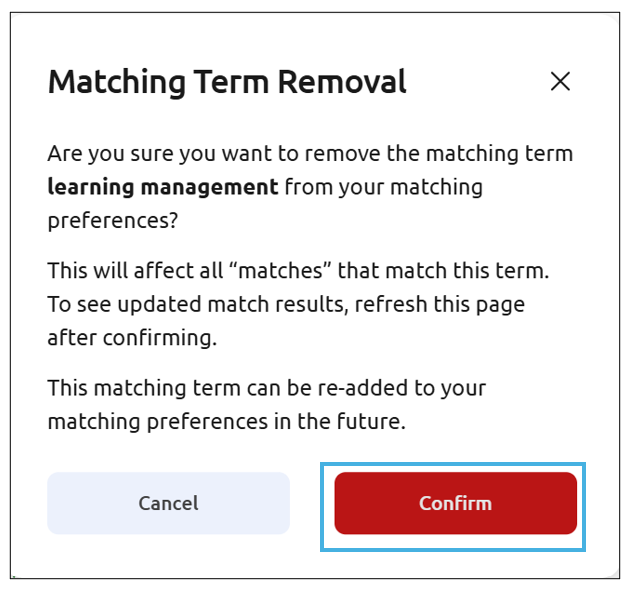
Note: This keyword term can be re-added to your matching preferences in the future.
Refresh the page to remove bid opportunities matched with that keyword/category.
Matching to Bid Opportunities is not just about having relevant keywords. To increase your chances of being matched to relevant opportunities, categories are extremely important. If you’re reviewing your Bid Opportunities and finding issues with your categories, you can update them to make them more relevant. From the Bid Matching section within My Account, you can refine/update your Categories:
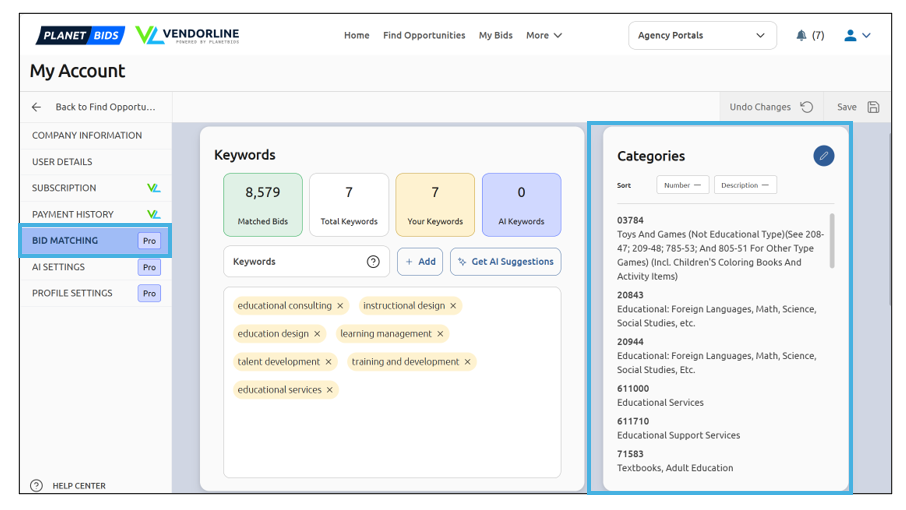
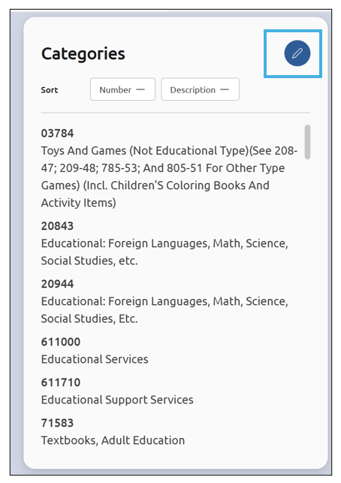
Click the pencil in the upper right corner of the Categories widget:
Search for the Category you wish to add:
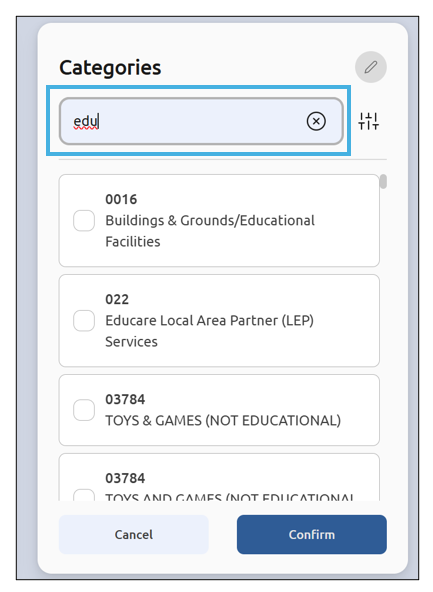
Select the relevant categories by checking the box to the left of the Category:
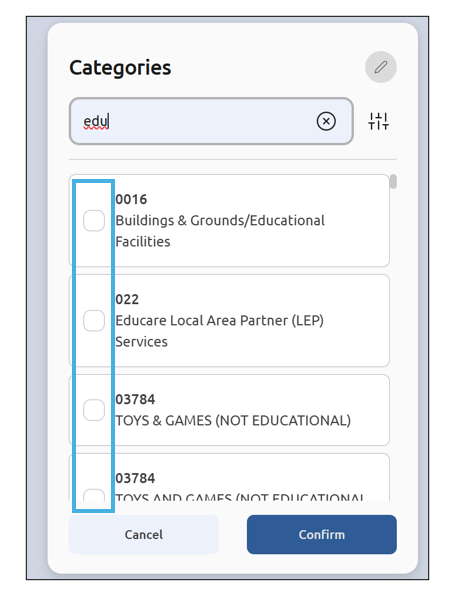
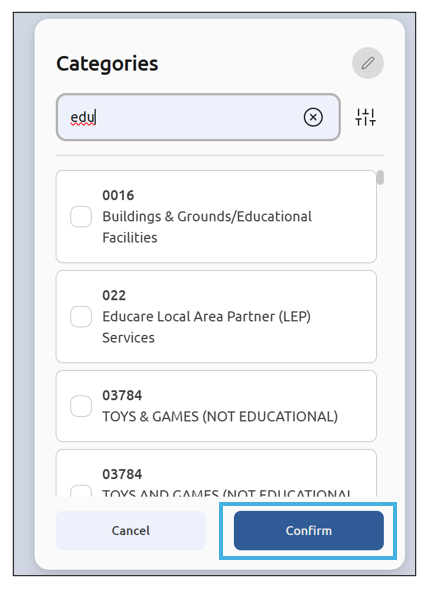
Click Confirm to finish adding your additional Categories:
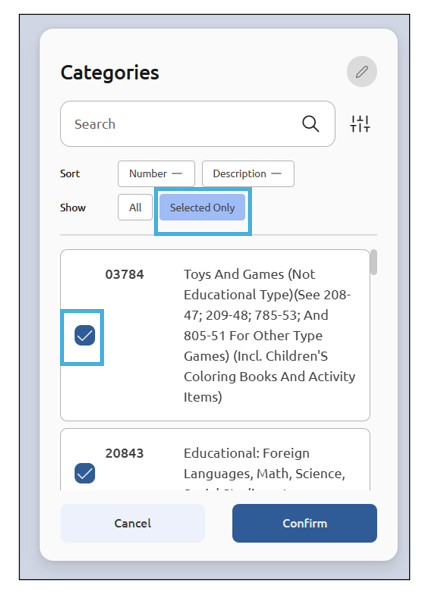
To remove a category, filter for Selected Only and uncheck the box next to the category you wish to remove:
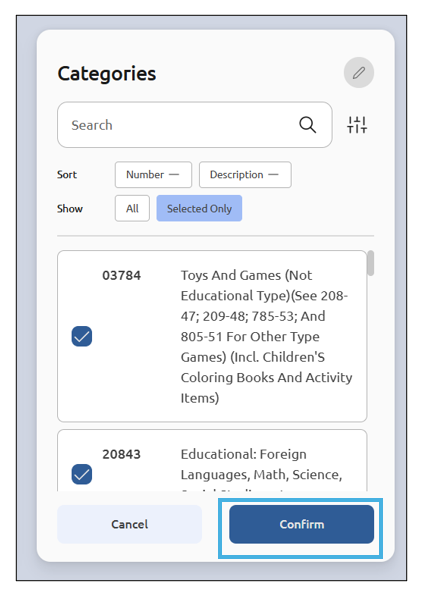
Click Confirm:
Click Save to save your work: