
Note: Some fields noted in this article may not display or may display differently, based on the settings of the agency you are registering with.
To register as a vendor with an agency, navigate to the agency’s Agency Portal Home Page:
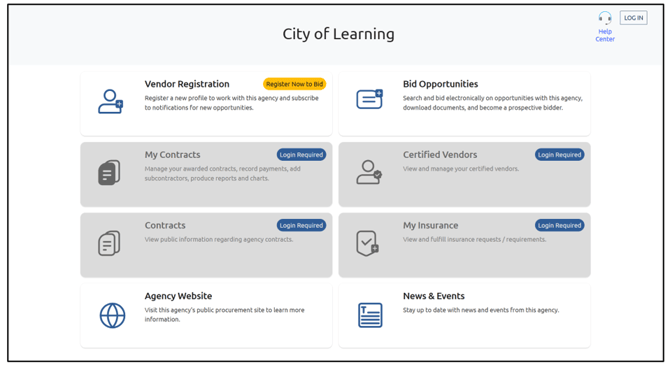
Note: The Agency Portal Home Page display location is specific to each Agency and is not controlled by PlanetBids. You can usually find this as a link on the Agency's website. For difficulties locating that page, please contact the Agency itself for guidance.
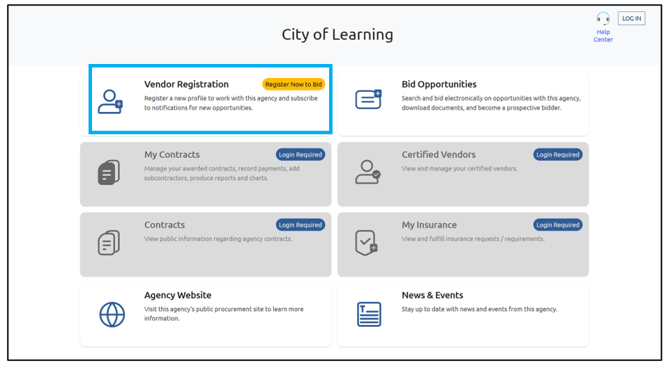
Click Vendor Registration:
Fill out the Company Name, FEI/SSN, and Email Address:
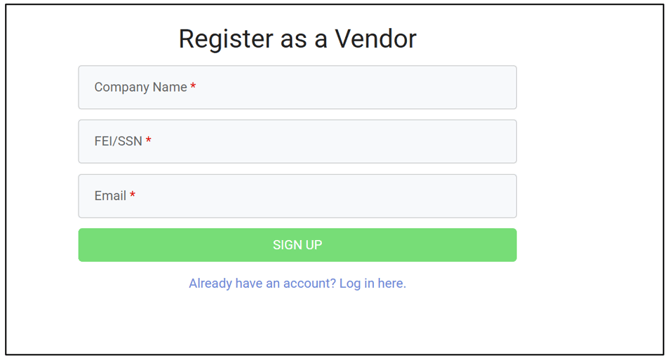
Note: FEI/Tax ID or Social Security Number must be 9 digits. International companies, please use the last 9 digits of your main phone number.
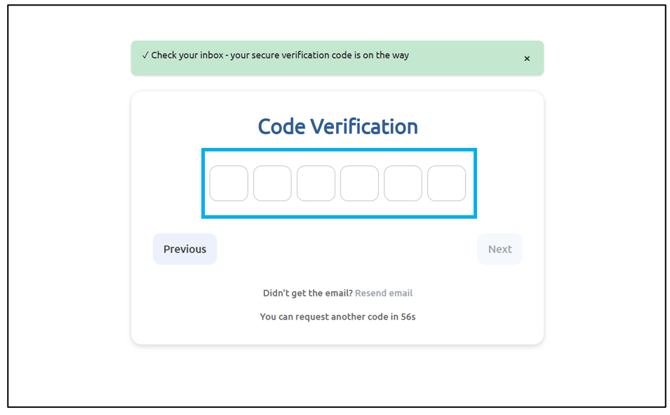
An email with a code will be sent to the email address you registered with to confirm and finish setting up your profile.
Note: If you do not receive the confirmation email, please return and try again or check your junk/spam folder.
Enter the code into the box:
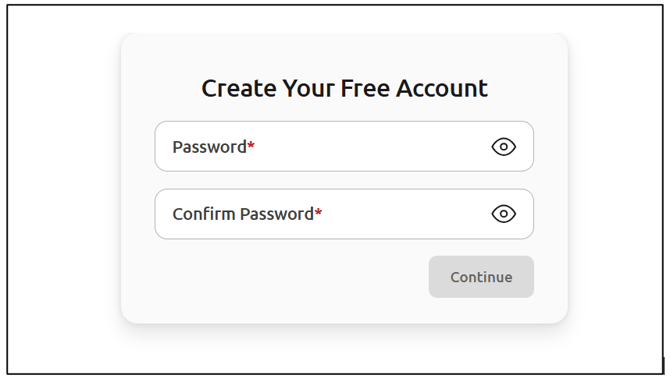
Continue creating your account by creating a strong password:
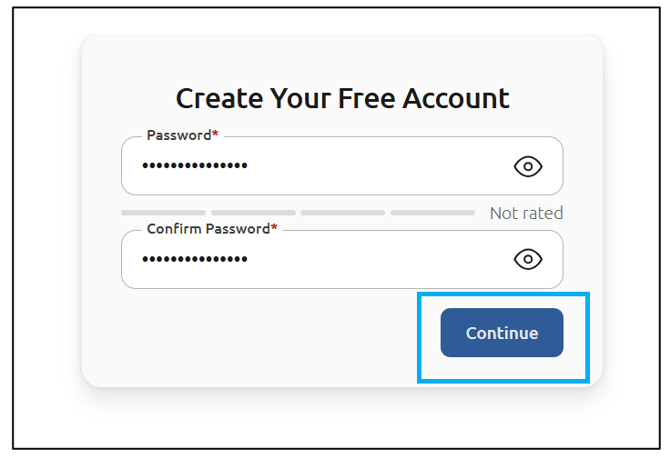
Once you have entered a strong password, click Continue:
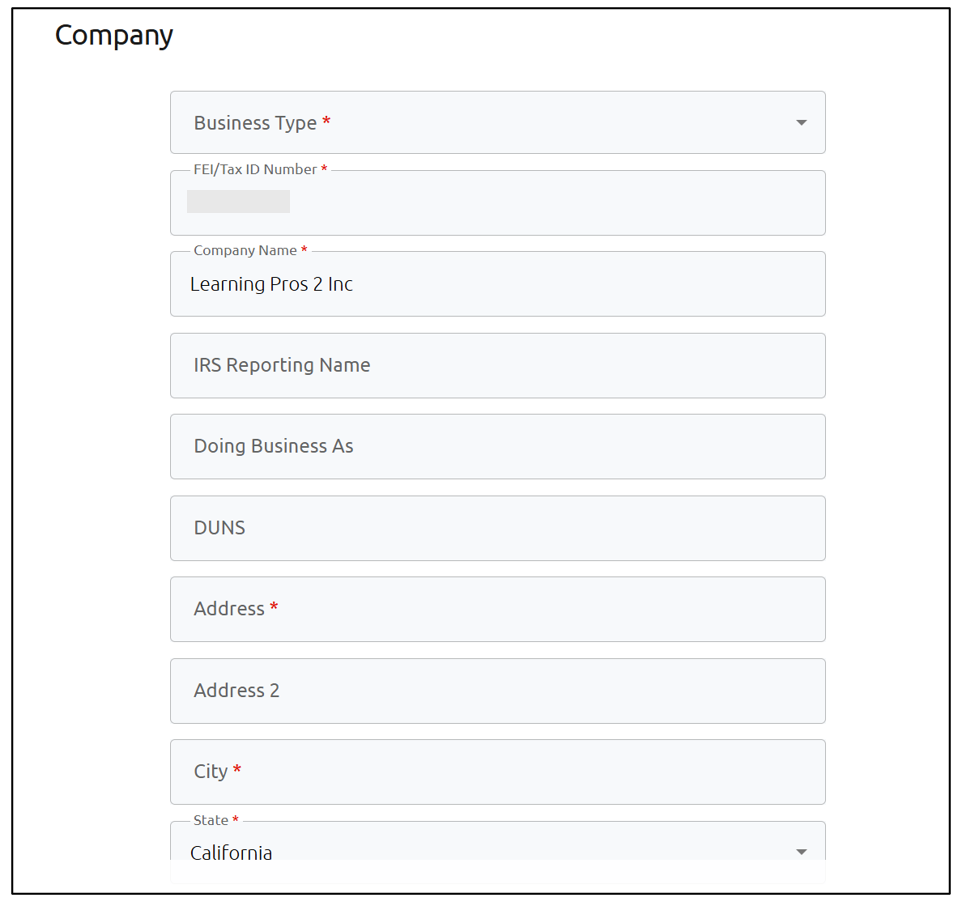
Continue filling out user and company information, ensuring all fields with a red asterisk are filled out:
If you are an Authorized Signer, make sure to check the box:
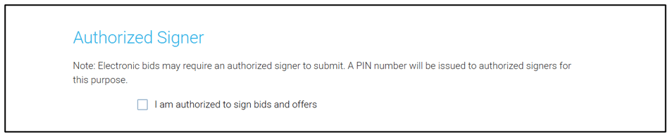
Note: Pin only applies to RFIs and RFPs.
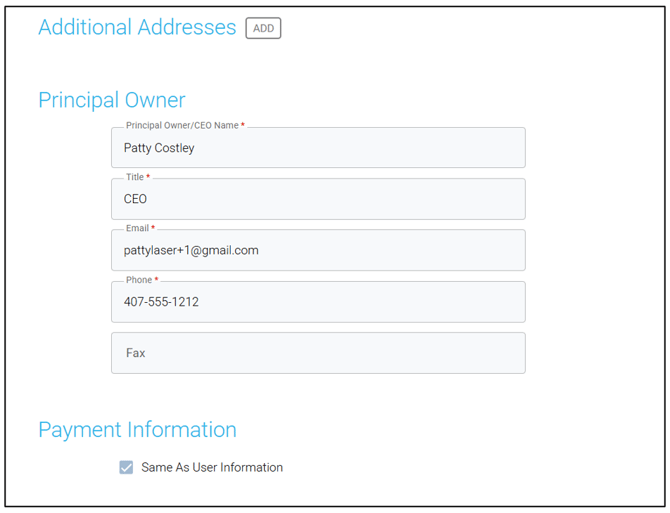
Add in any Additional Addresses, Principal Owner information, or Payment Information (if different from User Information):
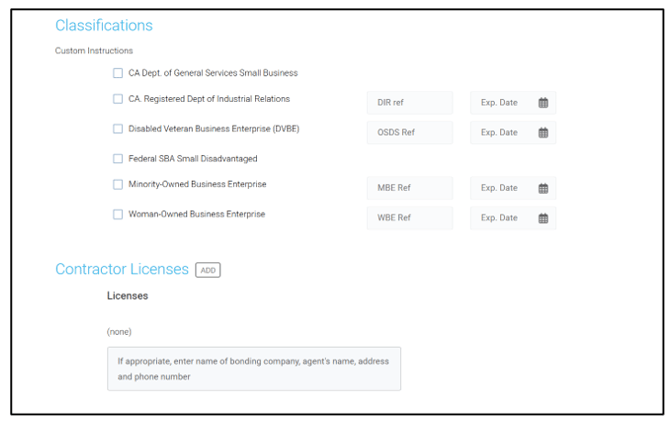
Add in any Classifications or Contractor Licenses . Classifications may be mandatory. Select Not Applicable if your company does not qualify for any of the classifications listed:
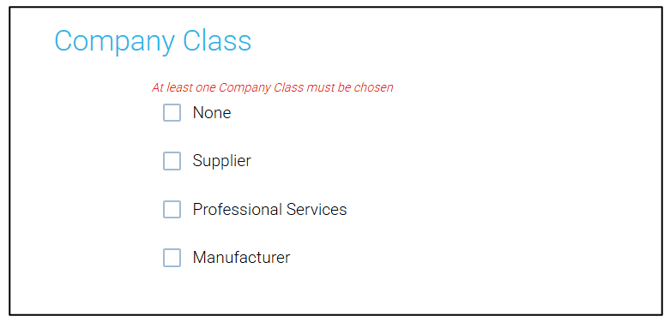
Choose your Company Class:
Type your Business Description in the box:

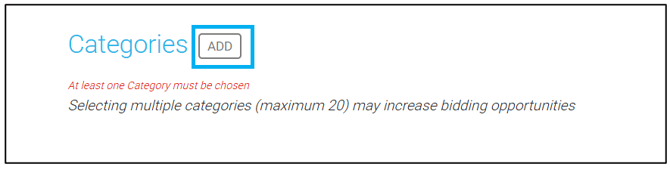
The final area to fill out is Categories. Adding categories can help you be matched with bid opportunities. To add Categories (up to 20), click Add:
Note: Not all agencies use the same code system. For best results, search by keyword
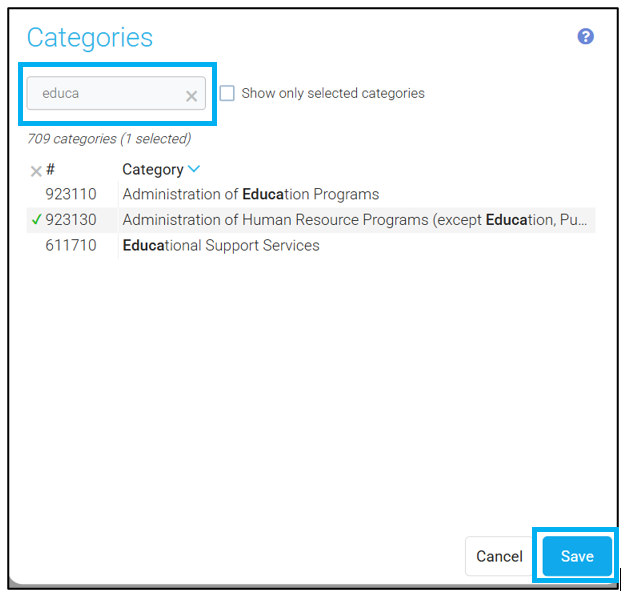
Use the Search feature to find relevant categories and click to the left of the category code to add it. When you have finished selecting all relevant categories, click Save:
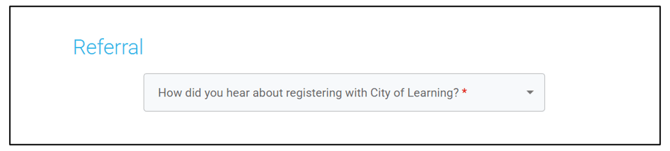
Choose how you heard about registering with the Agency:
Once you have finished filling out all of the needed areas in your profile, agree to the Terms and Conditions and click Submit:
