
Note: Placement of tiles and menus on pages will vary depending on screen size and resolution
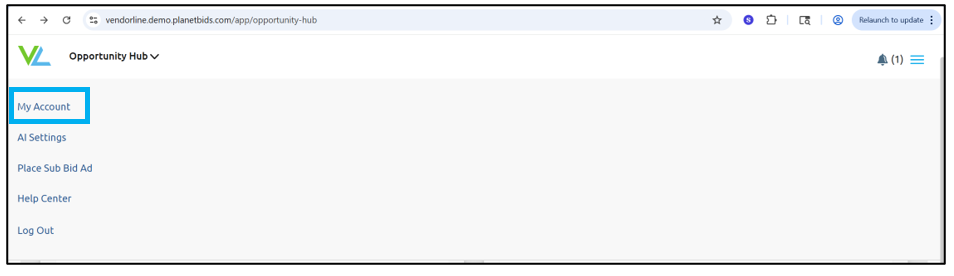
To update the payment method for your VendorLine account, click the menu in the upper right corner:

Click My Account:
Then click Manage Subscription:

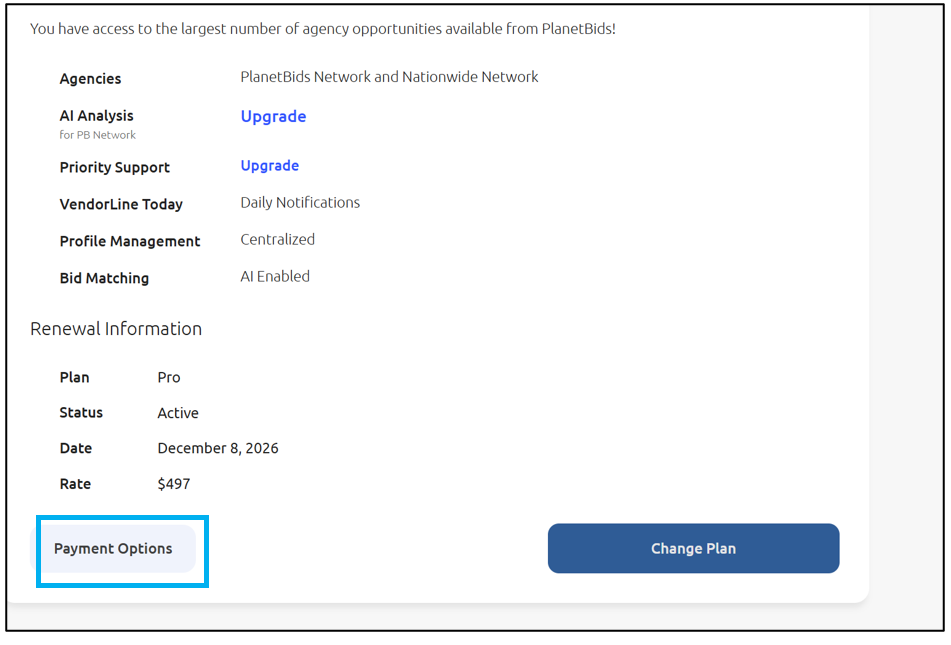
Click Payment Options:
Update your method of payment, and click Submit:
