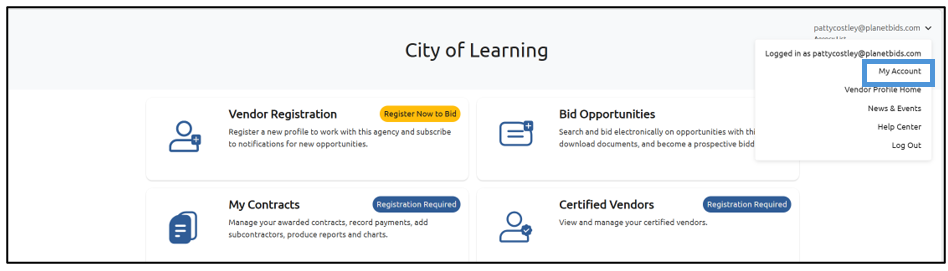
My Account lets you manage important company information in one place and allows for faster registration with agencies. To access My Account, click your email address in the upper right corner of the screen and select My Account:
This will take you the My Account Page where you can manage your company information:
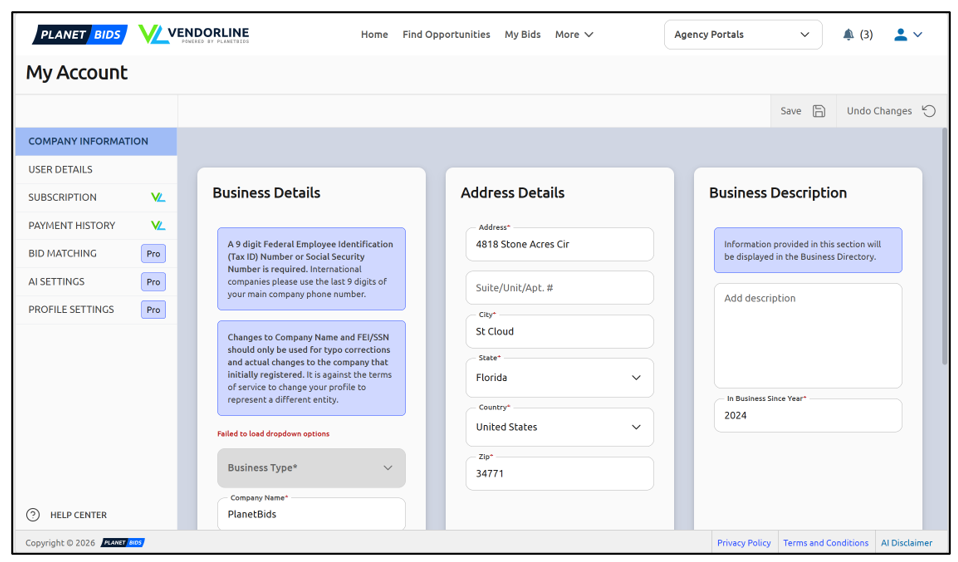
The information in the Company Information tab is specifically related to your company. You can speed up registering new profiles with agencies using what you input here.
Start by filling out the Business Details section. Fields with an asterisk* are required fields.
Continue by filling out the Address Details section, including the required fields marked with an asterisk.
The final section is the Business Description. Information provided in this section will be displayed in the Business Directory.
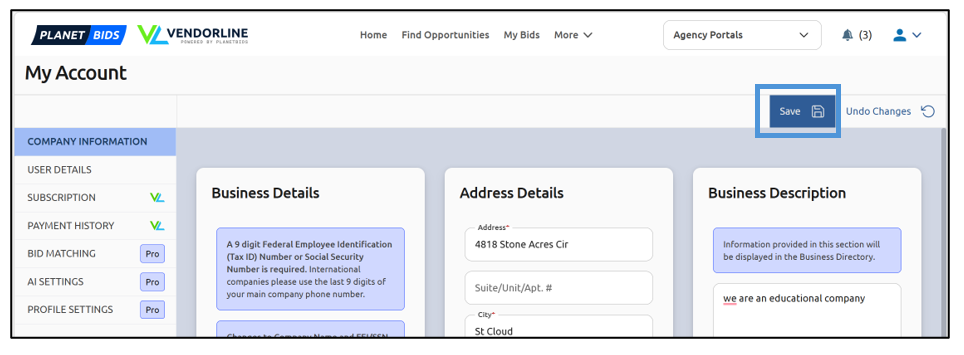
Once you have filled out all the information in this section, click Save:
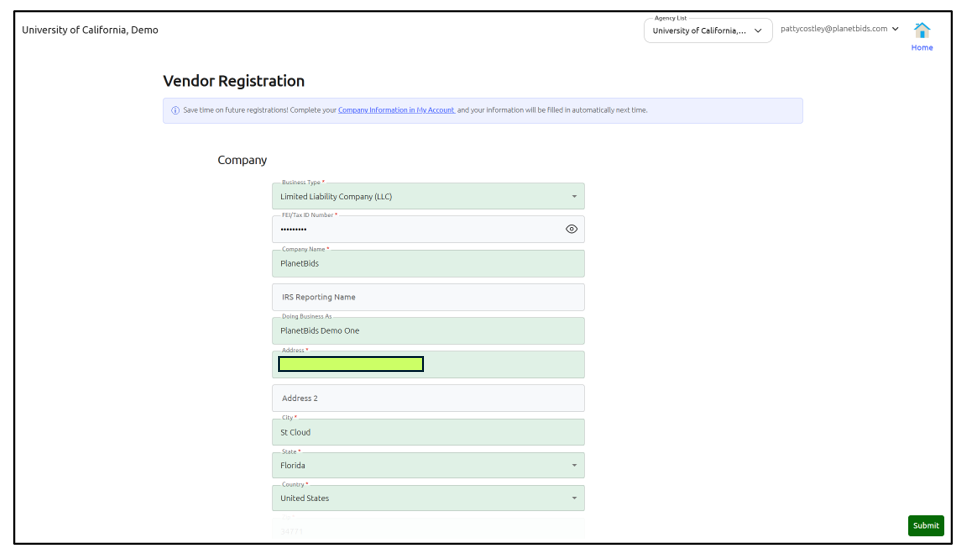
Now, when you register with a new agency, your business information will be prepopulated in green: