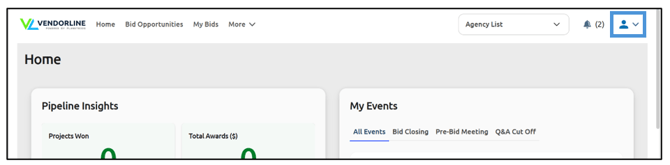
My Account lets you manage important company information in one place and speeds up registration with agencies. To access My Account, click the person icon in the upper right corner of your screen:
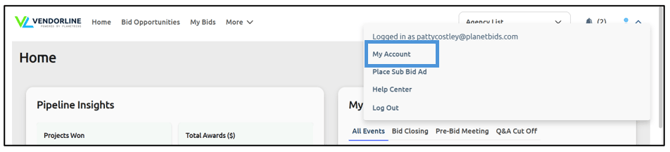
Then click My Account:
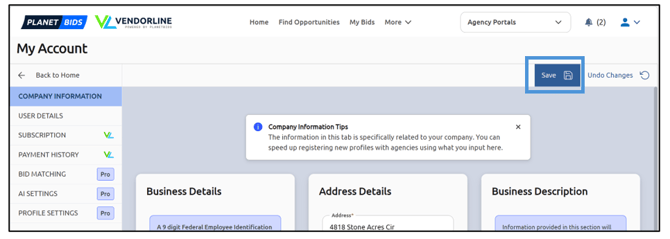
The information in the Company Information tab is specifically related to your company. You can speed up registering new profiles with agencies using what you input here.
Start by filling out the Business Details section. Fields with an asterisk* are required fields.
Continue by filling out the Address Details section, including the required fields marked with an asterisk.
The final section is the Business Description. Information provided in this section will be displayed in the Business Directory.
Once you have filled out all the information in this section, click Save:
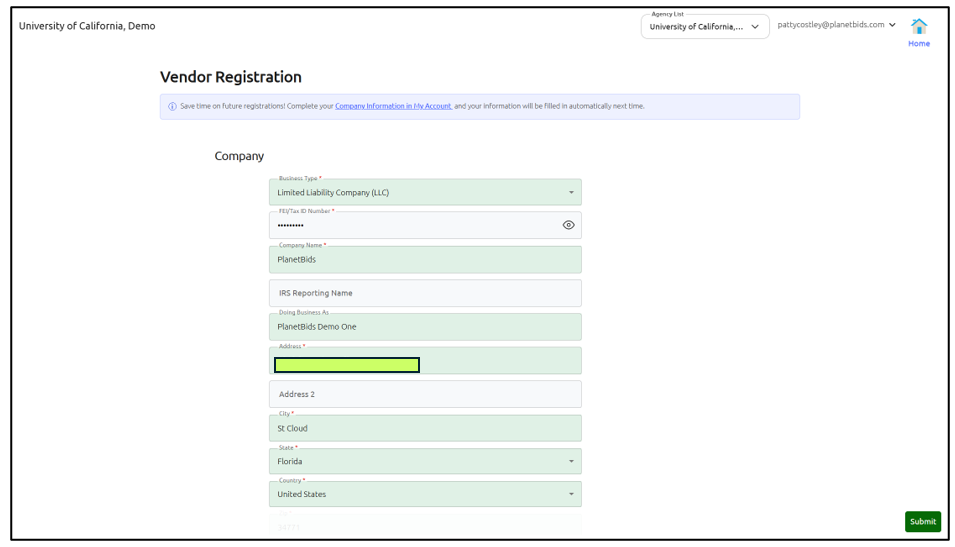
Now, when you register with a new agency, your business information will be prepopulated in green: