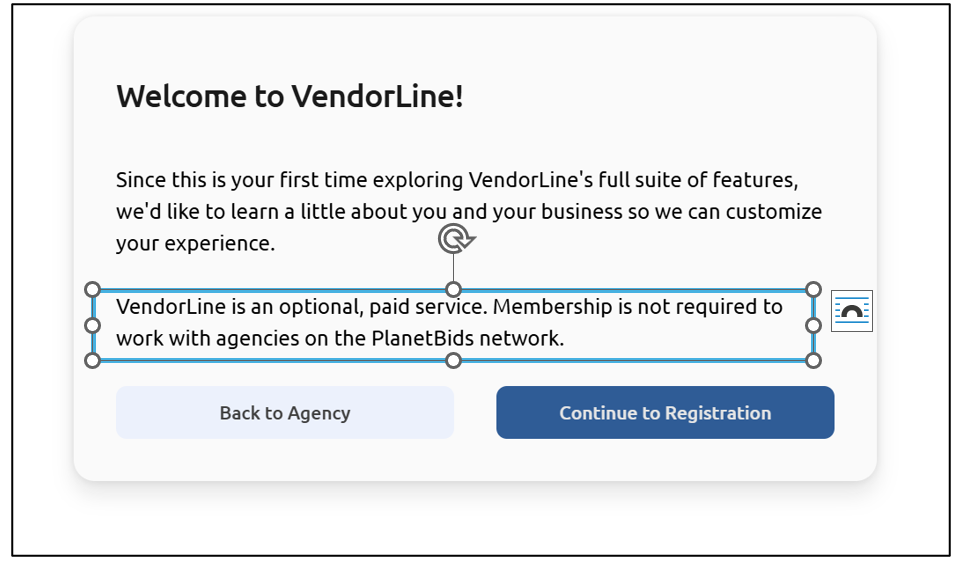
You are now able to switch between registered agency portals with one login from Vendor Portal.
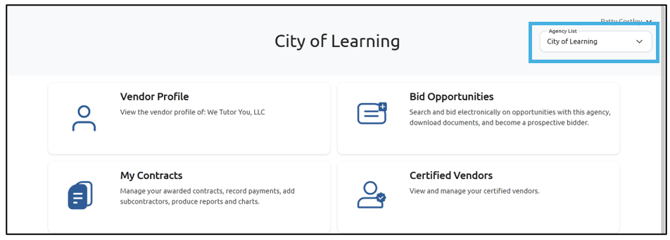
When you are logged in to an agency’s portal, click the Agency List drop-down in the upper right corner of your screen:
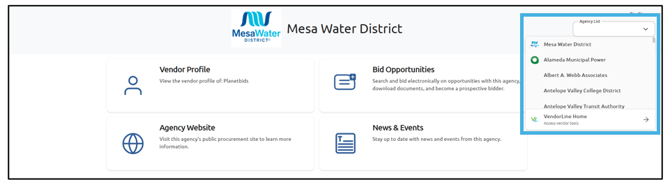
You will see a list of agencies you are registered as a vendor with. Choose the agency from the list you wish to visit:
This will take you to that Agency’s vendor portal. To switch to a different agency, go back to the Agency List drop-down and make your selection. If you would like to visit VendorLine, choose that option from the drop-down list:
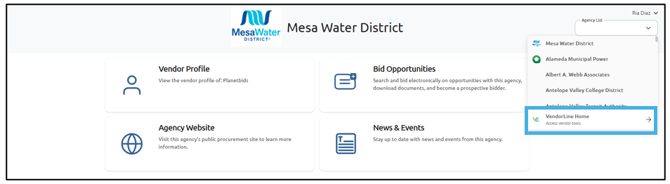
Note: VendorLine is not required to use Vendor Portal, nor is a paid subscription. To learn more about the features of VendorLine, visit the VendorLine Home Page.