
You are now able to switch between registered agency portals with one login from VendorLine.
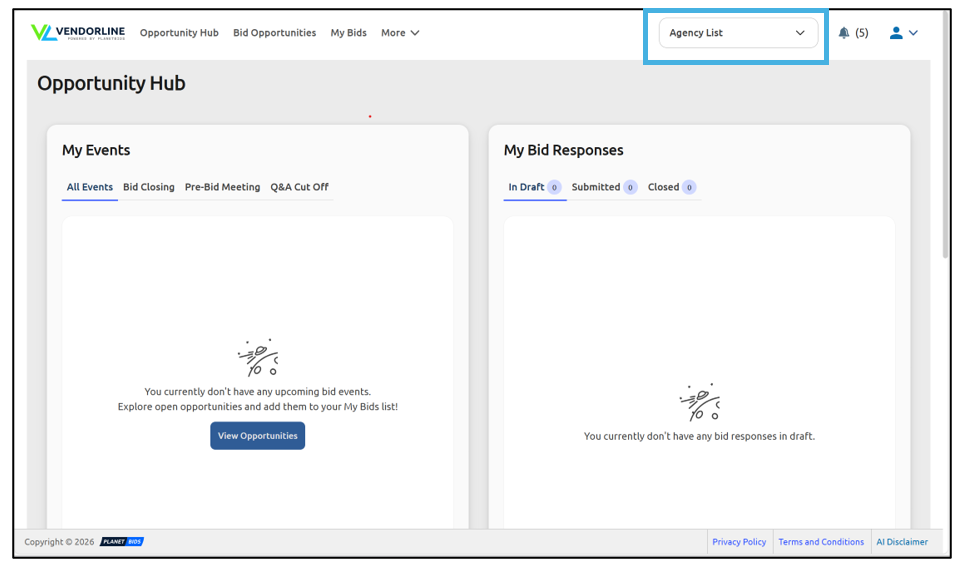
To do this, click the Agency List drop-down in the upper right corner of your screen:
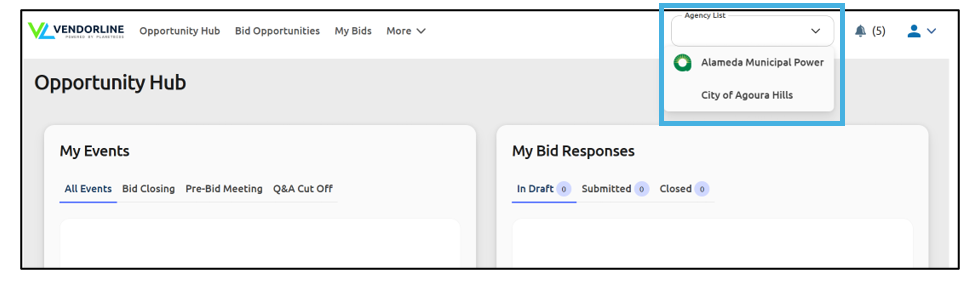
Choose the agency from the list you wish to visit:
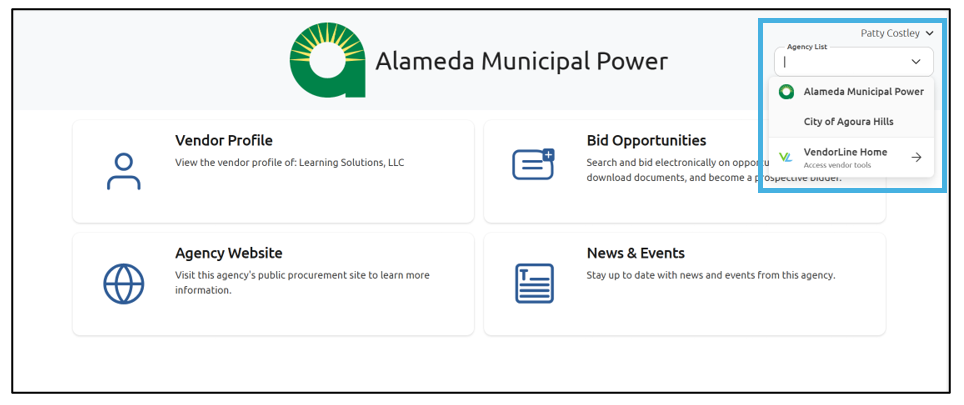
This will take you to that Agency’s Vendor Portal. To switch to a different agency, go back to the Agency List drop-down and make your selection. If you have a need to go back to VendorLine, you can also choose that menu option:
If you don’t see an agency in your list that you’re looking for, follow the steps in Using Account Manager to Add and Manage Agencies for VendorLine Members to register with the agency.